 Foxe
Foxe 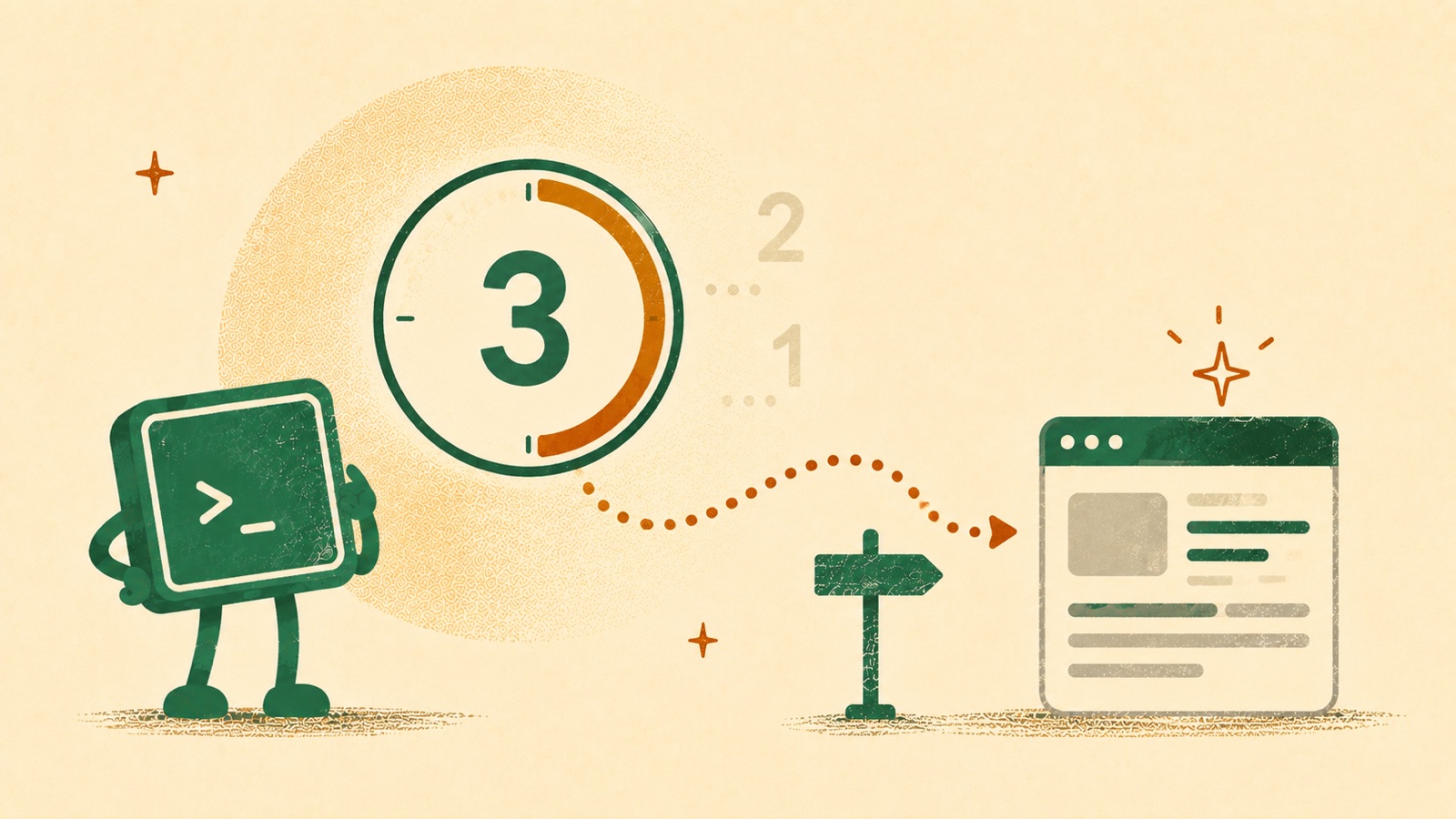
Sometimes you want a redirect that pauses for a few seconds — showing a “redirecting in 3… 2… 1…” message — before sending the visitor on. It’s the pattern you see on “thank you” pages, interstitials, and link shorteners: give the reader a moment to notice a message, then move them along.
The idea is simple: show the remaining seconds, count down once per second, and navigate away when the timer hits zero. Here’s a clean, modern version.
The markup
<p>
  Redirecting in <span id="countdown" aria-live="polite">10</span> seconds.
  <a id="go-now" href="https://example.com">Go now</a>.
</p>
Two small things earn their keep here. The aria-live="polite" attribute means
screen readers announce each new number as it changes, and the “Go now” link is
a plain anchor — so the redirect still works if JavaScript never runs, and impatient
visitors can skip the wait.
The JavaScript
const target = 'https://example.com';
const el = document.getElementById('countdown');
let seconds = Number(el.textContent); // start from whatever the HTML shows

const timer = setInterval(() => {
  seconds -= 1;

  if (seconds <= 0) {
    clearInterval(timer);
    window.location.assign(target);
  } else {
    el.textContent = seconds;
  }
}, 1000);
That’s the whole thing. setInterval fires the callback once a second; we drop the
counter, update the visible number, and when it reaches zero we clear the interval
and navigate. Reading the starting value from the HTML means the number you write in
the markup is the single source of truth — change 10 in one place and everything
follows.
Avoid the classic setTimeout mistake
Older examples (including the one this post replaces) used a string argument:
// Don't do this — the string is evaluated like eval().
window.setTimeout("countdown()", 1000);
Passing a string to setTimeout or setInterval makes the browser evaluate it
as code, which is slower, breaks under a Content Security Policy, and hides bugs from
your tooling. Always pass a function reference instead, as in the example above.
assign vs replace
window.location.assign(target) keeps the countdown page in the browser history, so
pressing Back returns to it. For an interstitial you’d rather users not land back
on, use replace():
window.location.replace(target); // Back skips the countdown pageA no-JavaScript fallback
If you don’t need a live counter at all, HTML can do a timed redirect on its own with a meta refresh — handy as a fallback, or for pages where you can’t run scripts:
<meta http-equiv="refresh" content="10; url=https://example.com" />It can’t show the seconds ticking, but it fires even with JavaScript disabled. Pair it with the script above and you’ve covered both cases.
That’s all it takes — a visible number, a one-second tick, and a navigation call at zero. Keep coding.
— JJ
Frequently asked questions
- How do I create a countdown redirect in JavaScript?
- Show the remaining seconds in an element, decrement it once per second with setInterval, update the element's text each tick, and call window.location.assign(url) when it reaches zero. Include a normal link too, so the redirect still works if JavaScript is disabled.
- Should I use setTimeout or setInterval for a countdown?
- setInterval is the simplest choice for a fixed one-second tick; a recursive setTimeout gives finer control over timing and stopping. Either way, always pass a function reference, never a string, because a string argument is evaluated like eval() and breaks under a Content Security Policy.
- How do I redirect after a delay without JavaScript?
- Use an HTML meta refresh tag in the page head, such as a refresh value of "10; url=https://example.com". It cannot show a live counter, but it fires even when JavaScript is disabled.
- What is the difference between window.location.assign and replace?
- assign() keeps the current page in the browser history, so the Back button returns to it. replace() removes it from history, so Back skips the countdown page. Use replace() for interstitials you do not want visitors to land back on.