Real-time Logout
Make a forced logout feel instant on open tabs.
- Open tabs reload to wp-login within your polling interval
- Configurable refresh interval, 60 seconds by default
- Catches every ending — admin force-logout, logout elsewhere, session limit hit
- Works on every host — simple polling, no WebSockets or sidecars
- The polling script loads only for logged-in users
- Works with the free Loggedin core plugin
- Automatic updates & support while licensed
- 1, 5 or 10-site licenses
- 7-day money-back guarantee
- Documentation docs.foxelabs.com (opens in new tab)
- Loggedin core plugin Free · required
- Get support Straight to the team
Requires the free Loggedin plugin to be installed and active.
About Real-time Logout
Polls the server on an interval so a session ended elsewhere bounces open tabs straight back to the login screen, instead of lingering until the next click.
What it does
Log a user out and WordPress stops honouring their session immediately — but the browser tab they left open doesn’t know that. It keeps rendering the signed-in page until the user clicks something that makes a new request.
Real-time Logout removes that lag. A small script asks the server, on an interval you set, whether the session is still valid. The moment it isn’t, the tab hard-reloads and WordPress redirects to wp-login.
It catches every way a session can end: an admin using Force Logout or Active Sessions, a logout on another device, a hit concurrent-session limit, or an idle timeout from Loggedin’s built-in auto logout.
Set the interval
The add-on adds a Real-time Logout panel to the Loggedin settings tab with a single control: how often each open tab checks in. The default is 60 seconds, which is also the recommended floor.
Each open tab makes one request per interval, so the arithmetic is worth doing before you shorten it — a five-second interval across hundreds of concurrent users is tens of thousands of requests a minute. On a small team install where that load is irrelevant, go as low as you like.
Polling, on purpose
Despite the name, this isn’t WebSockets or server push. It’s deliberate polling, because polling works on every WordPress host: no Node sidecar, no third-party realtime service, no firewall changes, nothing to keep running beside PHP.
The check itself is one tiny request that answers active or not active, and the script is enqueued only when there’s a logged-in user. Anonymous visitors get nothing — cached, logged-out traffic is untouched.
Where it fits
On its own it makes admin action feel decisive rather than delayed. Paired with Active Sessions, a sign-out is both easy to trigger and quick to land. Paired with Loggedin’s built-in auto logout, an idle timeout reaches even a tab the browser has throttled — and those poll requests never count as activity, so nothing is kept alive by the checking itself.
Real-time Logout in the WordPress admin
Every screen Real-time Logout adds, and where to find it.
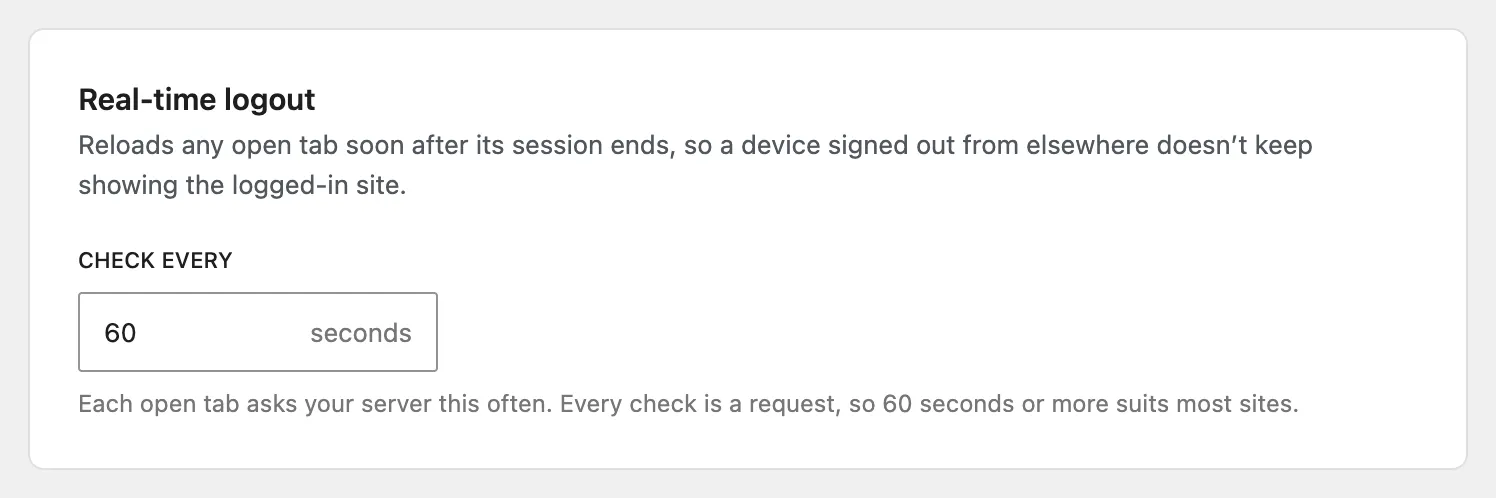
One control — how often tabs check in
How often each open tab pings the server to check whether the session is still active. Sixty seconds is the recommended floor — each check is one HTTP request per open tab, so the arithmetic is worth doing before you shorten it.
The card sits on Loggedin's Login limits page, under the limit settings.
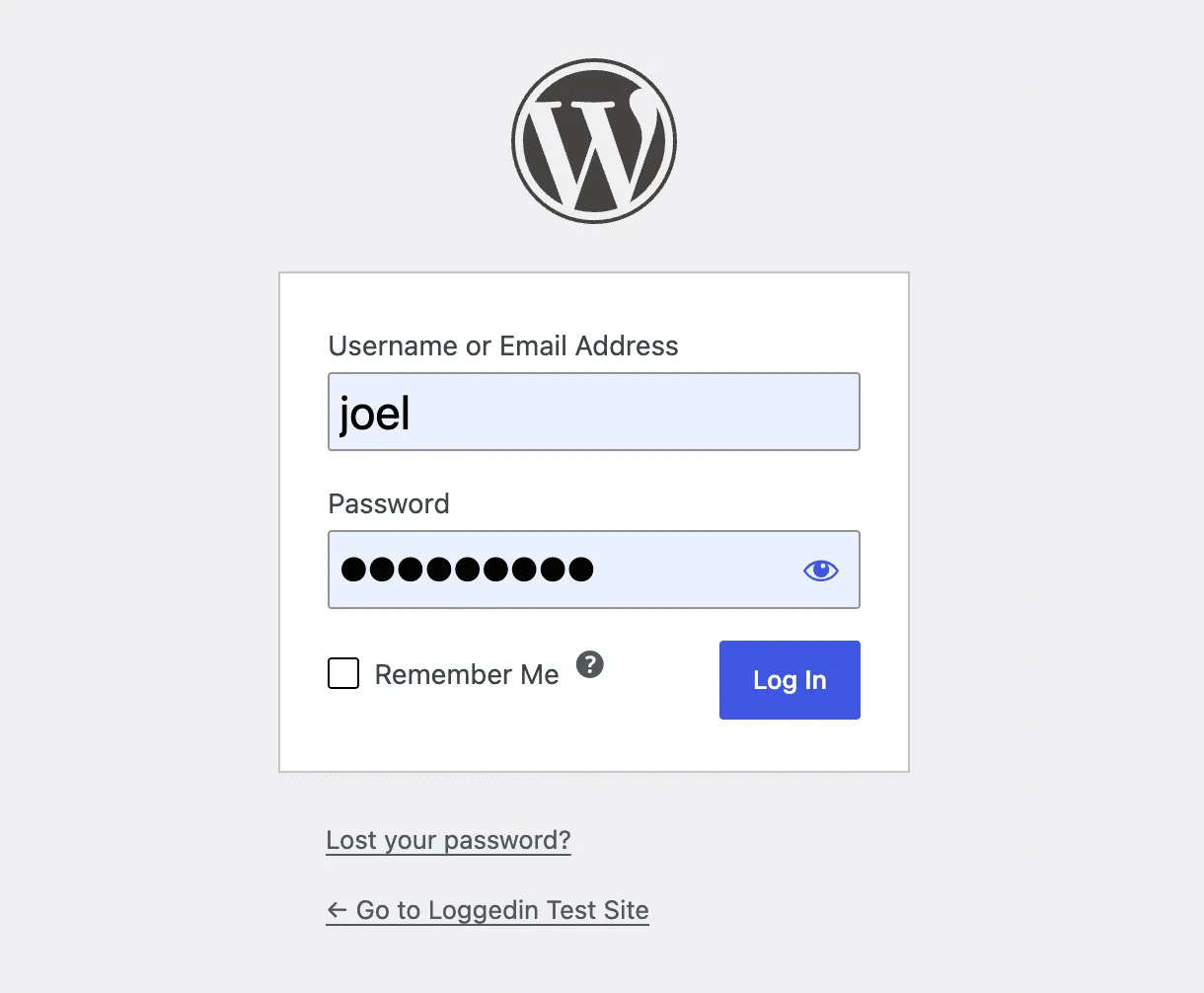
The tab bounces to wp-login
The moment the session is gone — a logout elsewhere, an admin force-logout, or a hit session limit — the tab hard-reloads and WordPress redirects to the login screen.
Without the add-on, that tab keeps rendering as if signed in until the user clicks something.
Frequently asked questions
Why does a WordPress user still see the site after being logged out?
WordPress only checks the auth cookie when the browser makes a request. A tab that was already rendered keeps showing the signed-in page until the user clicks something. Real-time Logout closes that gap by asking the server, on an interval, whether the session is still alive.
How do I force a WordPress logout to take effect immediately?
Install the free Loggedin plugin with the Real-time Logout add-on and set a refresh interval. Once a session ends — an admin force-logout, a logout on another device, or a hit session limit — every open tab hard-reloads to wp-login within that interval.
What refresh interval should I use?
Sixty seconds is the default and the recommended floor. Each open tab makes one request per interval, so a five-second interval on a site with hundreds of concurrent users means tens of thousands of requests a minute. Shorten it only on small or single-team installs.
Is Real-time Logout actually real-time?
It is polling, not WebSockets or push. That is deliberate — polling works on every WordPress host with no Node sidecar, no third-party realtime service and no firewall changes. At a 60-second interval the load is negligible.
Does the polling script slow down my site for visitors?
No. The script is only enqueued when there is a logged-in user, on both the front end and the admin. Anonymous visitors are served nothing at all, so cached, logged-out traffic is completely unaffected.
Does Real-time Logout keep idle sessions alive?
No. With Loggedin's built-in auto logout on, these polling requests are checked for validity but never count as user activity, so a tab left open on an unattended screen still times out on schedule.
Learn how we can help you build better.
Questions about a plugin, a licence, or an expert advisor — ask and get a straight answer from the team that wrote the code.